How to start screen sharing with Datahjelperne - iPhone

Datahjelperne
Mobile
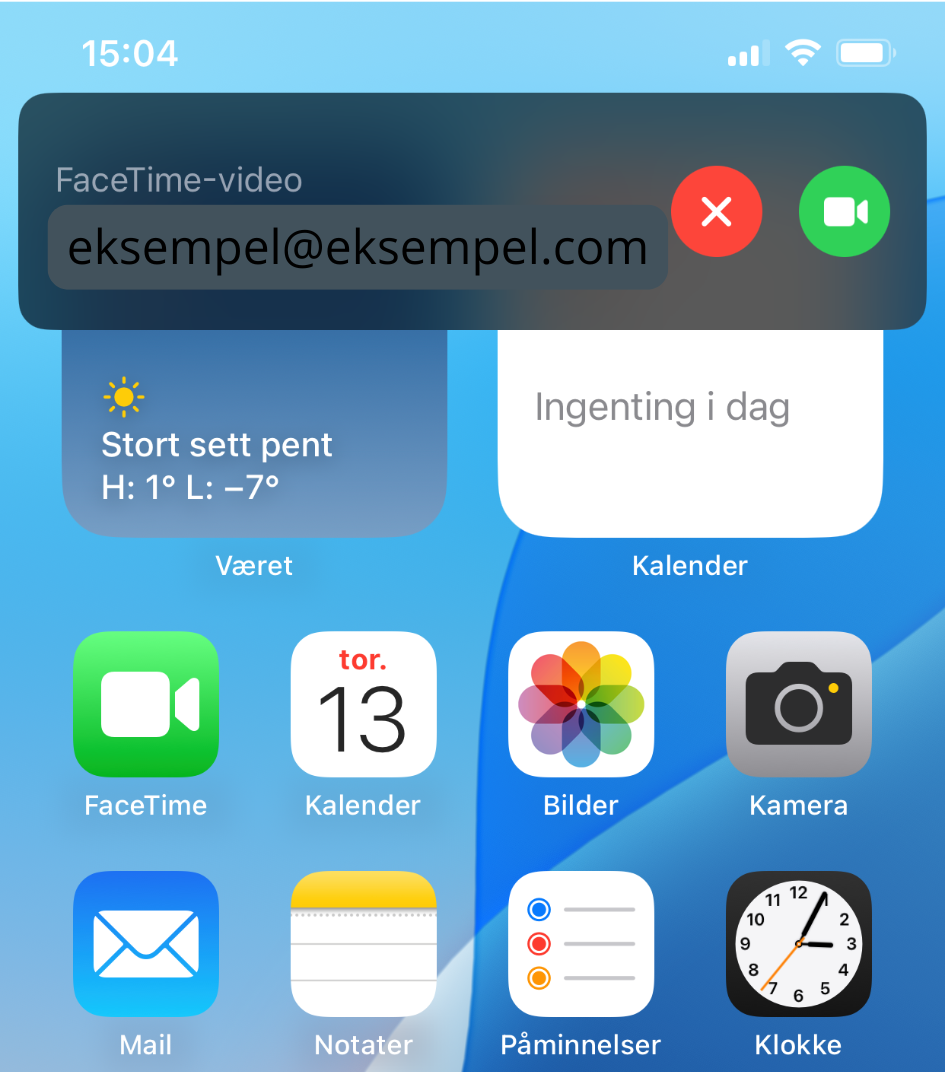
As a Datahjelperne Pluss member, you can book one-to-one help by phone. To help you as effectively as possible with your iPhone, it may be necessary for us to see the same thing you see and tell you where to tap on the screen. For this we use the FaceTime app on your phone. In this guide we show you what it looks like when we call you on FaceTime and how to turn on screen sharing then. (The screen sharing feature works on iPhones with iOS 15.1 or newer.)
See how to proceed
More guides from Datahjelperne
Loading other guides...