How to do an ID check in the BankID app

BankID
Mobile
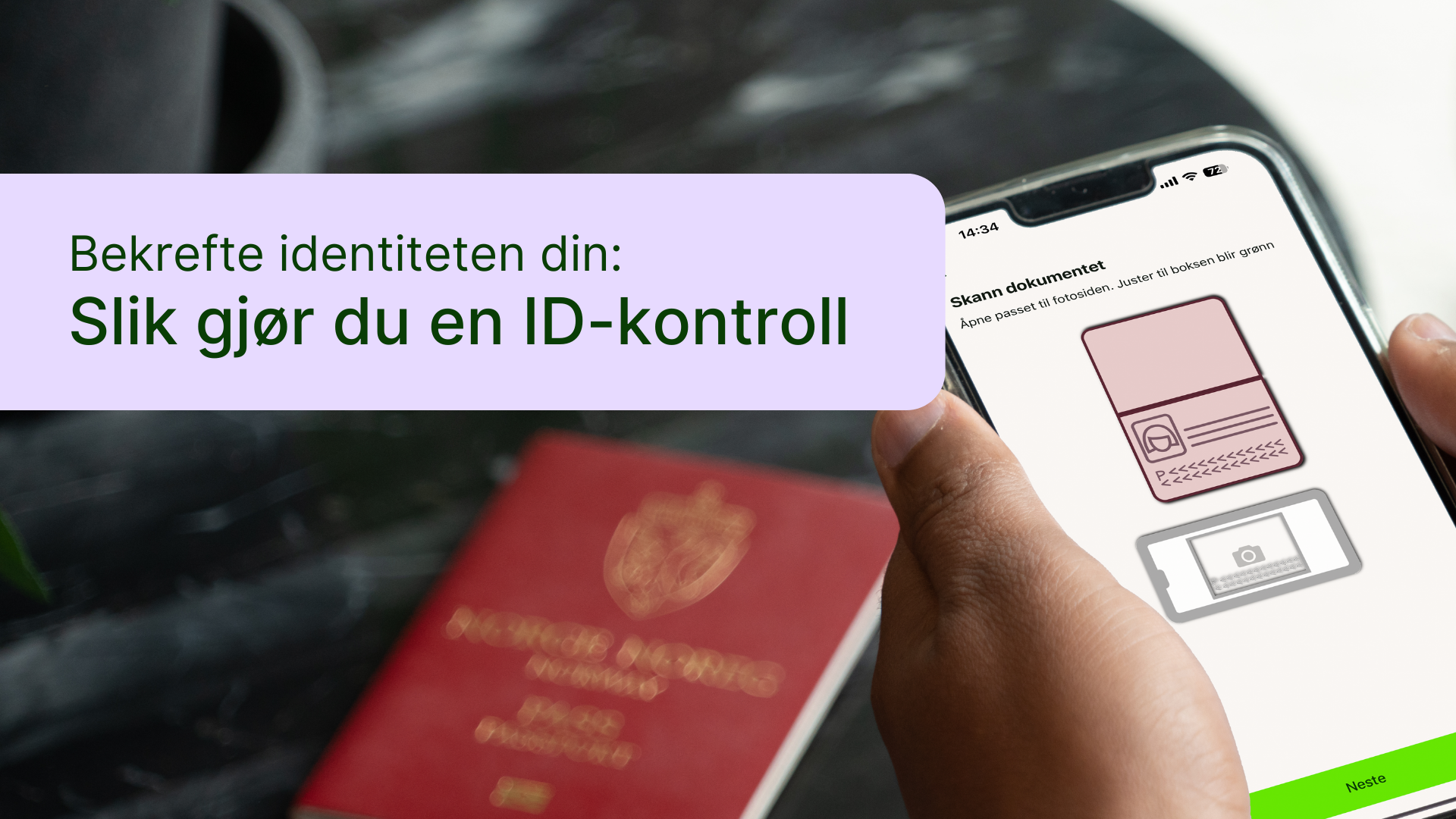
In the time to come, many users will be prompted in the BankID app to verify their identity by scanning their passport or national ID card, as well as their own face. This is part of stricter security requirements and will make BankID even more confident that you are you. If you receive a notification about this in the app, just find your passport or national ID card. You can feel free to ask for help to scan your passport and face from someone you trust. As always, we recommend reading the guide on your computer so that you can follow the steps on your mobile phone - as the pictures in the guide show.
See how to proceed
More guides from BankID
Loading other guides...